
Integrations
Paging, bells, intercom and door phones on a Yeastar P-Series
The P-Series carries the announcements a building runs on: one-way paging to groups of phones, two-way intercom, announcements on a schedule with a recorded prompt, overhead speakers through a SIP paging system, and door phones as extensions. In a school that is the bell schedule and the office PA. In a hotel it is housekeeping and the kitchen. In a care home it is the care team reaching one another. These are features of every P-Series edition; what differs is how they are wired to the building.
By Dar Zuch, Yeastar Certified Expert · Last reviewed 4 November 2026
Paging and intercom
- Paging. A caller dials a paging group and every phone in it answers automatically on speaker. Members hear the caller; they cannot talk back. Groups can be a floor, a department, or the whole building.
- Intercom. The same auto-answer, but two-way: a front office calling a classroom, a front desk calling the kitchen.
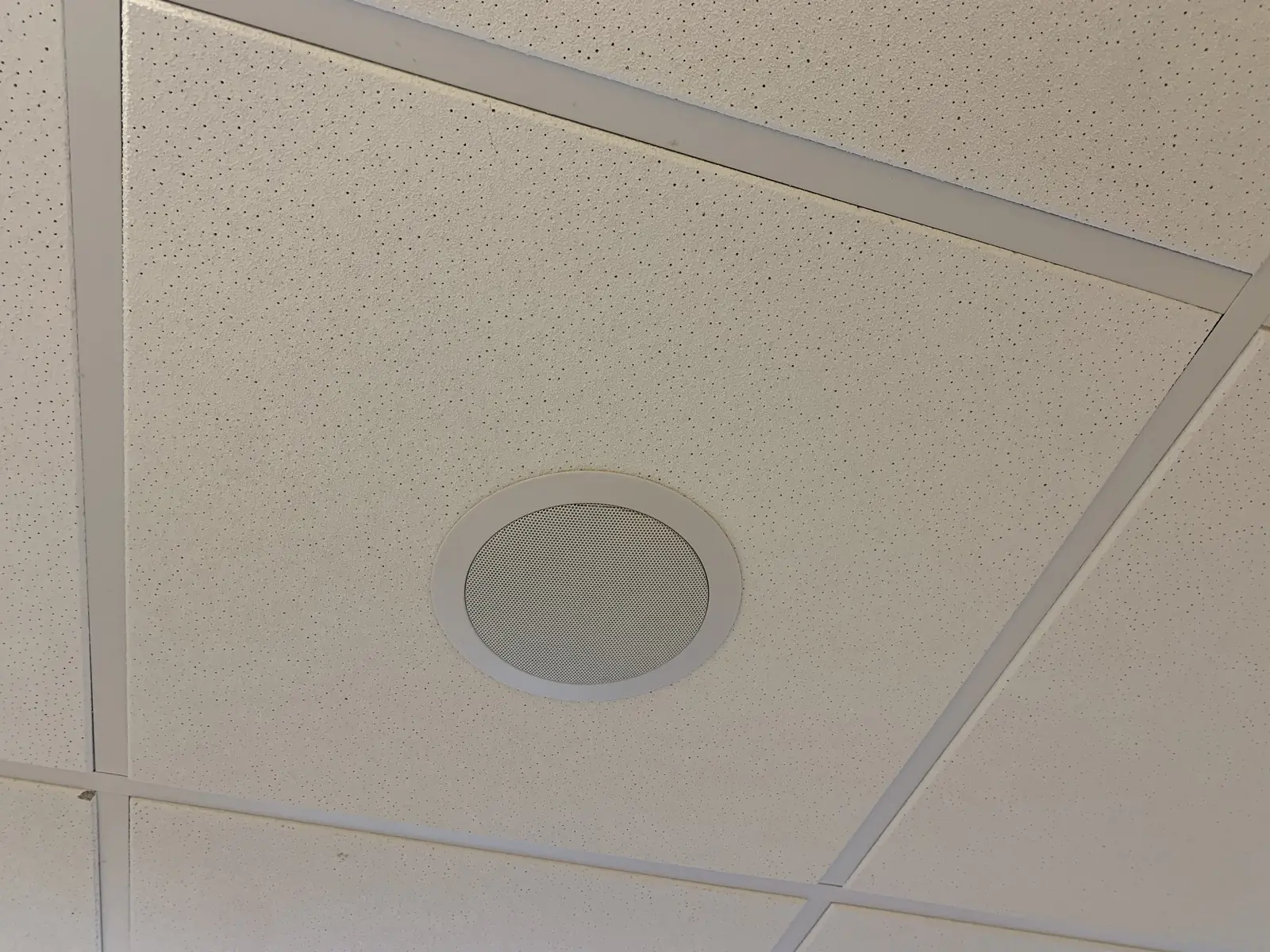
- Overhead speakers. The P-Series acts as the SIP server for paging endpoints, so ceiling speakers, horns and zone controllers from SIP paging vendors register to it like phones. The paging system manages zones; the phone system supplies the audio and the schedule.
Scheduled announcements: bells
A scheduled paging call places a broadcast to a group at a set time and plays a recorded prompt, then hangs up. Yeastar’s own documentation gives the examples: school bells, church bells. The capabilities that matter for a school:
| Capability | Detail |
|---|---|
| Timings per day | Up to eight on the same day |
| Repeat | Weekly, on the days you choose |
| Prompt | A custom recording per group, so the morning bell and the fire-drill tone are different files |
| Where it plays | Any paging group: classroom phones, overhead speakers through the SIP paging system, or both |
A split-day schedule, an early-dismissal day or a summer silence are handled by editing the schedule or pausing it. We document the schedule on paper as well, because the person who set it up is rarely the person who needs to change it in September.
Door phones, intercoms and cameras
SIP door phones, intercom panels and SIP cameras register to the P-Series as endpoints. A front office answers the door from a desk phone, sees the caller where the door phone has video, and releases the door from the phone. This is how we handle a school’s front entrance and a care home’s after-hours door. It is sold directly for these buildings; Porter, our managed intercom service, is a different product for multi-family buildings.
Emergency notification
When any extension dials an emergency number, the P-Series notifies the people you name: a receptionist’s extension, the manager of the caller’s group, or an outside number such as a mobile. Notification is by email, by a call that plays an announcement, or both, and it carries the extension that dialled, the number it dialled and the time.
What this is, and what it is not. It tells the front office that someone in the building has dialled 911, from which extension, so that staff can meet the responders and direct them. It is a feature of the phone system. It is not a monitored emergency service, it is not a lockdown or mass-notification system, and it does not change what the 911 dispatcher sees. In Canada a call from a multi-line system carries the building’s dispatchable location, not a room; we explain that in plain terms on the 911 page and we test the path annually under our support agreements.
How this is used in the buildings we serve
| Building | What runs on paging | Notes |
|---|---|---|
| Independent school | Bell schedule, office PA, intercom to classrooms, front-door phone, 911 notification to the office | Most schools call us because the bells are intermittent. Summer is the only install window |
| Hotel | Housekeeping and kitchen paging, back-of-house intercom, pool and loading-dock door phones | Guest rooms are never in a paging group |
| Care home | Zone paging for the care team, intercom at the nurse station, after-hours door phone | The phone system supports the care team’s communication; the nurse-call system itself is a separate product, which we maintain the telephone path for and do not supply |
| Town facilities | Public works shop paging, arena PA, after-hours door at the office | One system across buildings, with each building its own paging group |
Frequently asked questions
Can the bells play through our existing speakers?
If the speakers are driven by an amplifier with a line input, a SIP paging adapter from a paging vendor connects them to the P-Series. If they are already SIP speakers, they register directly. We check this in the Health Check.
Can a teacher trigger an all-call from a classroom phone?
Yes, by dialling the paging group, if the extension is permitted to. Permissions are per extension, so the all-call code can be limited to the office.
Does paging work if the internet is down?
On an appliance, yes. Paging is internal to the building and does not use the trunk.
Is the emergency notification a replacement for a lockdown system?
No. It tells named staff that an emergency number was dialled. A lockdown or mass-notification system is a separate product with its own requirements, and we do not supply one.
Feature details from Yeastar’s P-Series administrator guide and its education solution page, checked 4 November 2026.
Start with a Telephony Health Check
A fixed-fee review of what you have, what 911 does, whether the life-safety circuits work, and where the money leaks. $1,500 for a single site, $2,500 for a campus, plus GST, with a written report either way.
or call (403) 698-0700