
Integrations
Yeastar and Microsoft Teams: calling in Teams without a Teams Phone licence
Staff who live in Microsoft Teams can make and take their desk-phone calls inside Teams, through the Yeastar P-Series, without buying a Teams Phone licence for each of them. The phone system stays the phone system; Teams becomes one more way to reach it. For a municipality or a school already on Microsoft 365, that is usually the right shape, and it is a different thing from moving telephony into Teams altogether.
By Dar Zuch, Yeastar Certified Expert · Last reviewed 4 November 2026
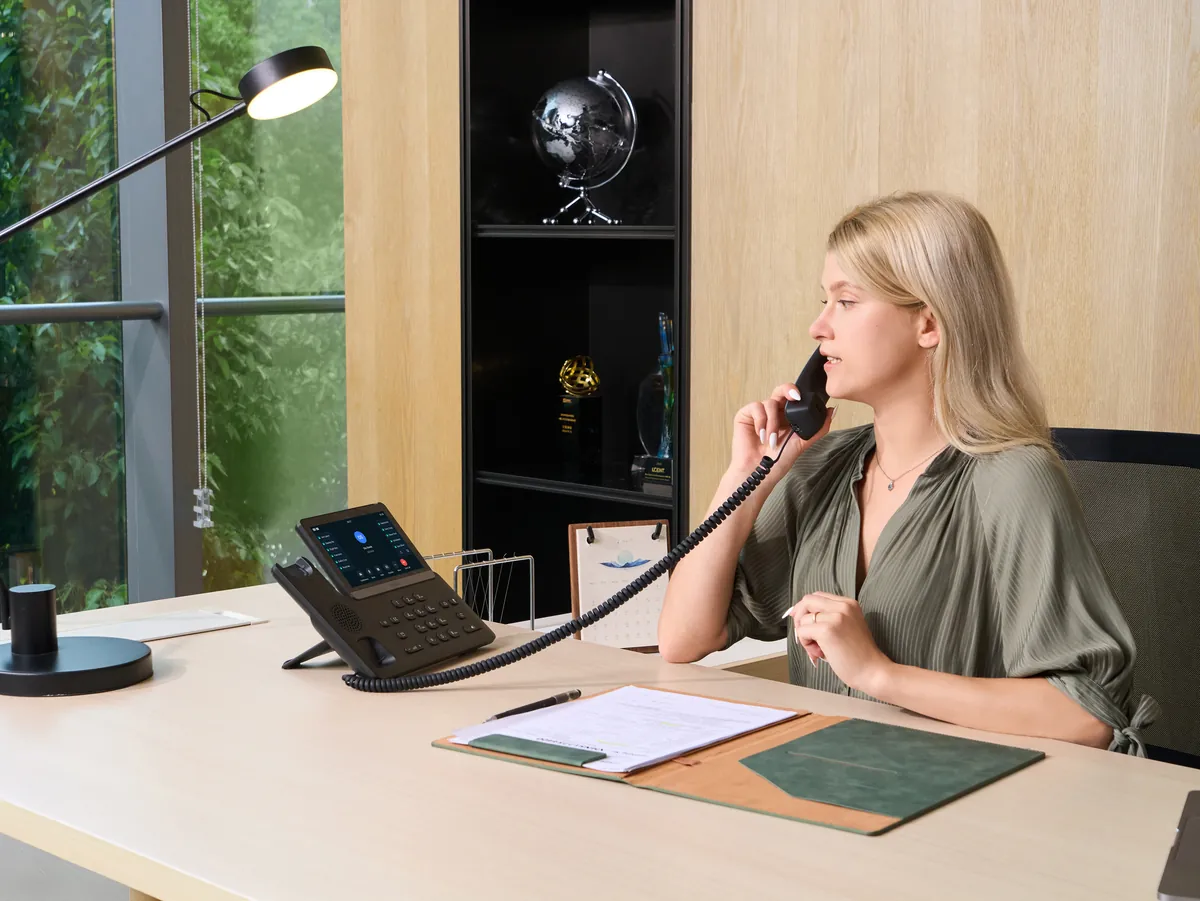
What the integration provides
- Calls inside Teams. The Linkus app embeds in Teams. Users place and answer calls, look up contacts, check voicemail and see presence from the Teams window. No Teams Phone licence, no Direct Routing session border controller, no per-user Microsoft calling plan.
- A desktop plug-in for Teams and Outlook: click to call from a contact or an email, and a call pop-up with the caller’s record.
- User sync from Entra ID, with single sign-on, so a new hire in Microsoft 365 becomes an extension without a second admin task.
- The desk phone still rings. Teams is a client, not a replacement. The Yealink handset on the desk, the paging horn in the shop and the analog phone in the arena are all on the same system.
The Teams integration is a feature of the Enterprise and Ultimate plans. On the Cloud Edition it needs no middleware; on the appliance it is configured against the Microsoft 365 tenant by us.
Teams Phone, or Teams with an appliance?
This is the question we are asked most by towns, because several Alberta municipalities have gone to Teams Phone outright and the rest are being asked why they have not. The honest comparison:
| Teams Phone (everything in Microsoft’s cloud) | Teams with a Yeastar appliance | |
|---|---|---|
| Staff experience in Teams | Native | Native through the embedded Linkus app |
| Per-user licence | Teams Phone plus a calling plan or Direct Routing | Yeastar Enterprise plan; no Microsoft calling licence |
| Analog devices: fire panel line, elevator phone, pool phone, fax, door phone, arena phone | Each needs a gateway and a configuration in the cloud; the path depends on the internet link | On the appliance’s own ports or a local gateway; works when the link is down |
| Paging and bells | Third-party | Built in |
| Emergency notification to a named person when 911 is dialled | Depends on the Teams emergency configuration | Built in |
| When the internet is down | No calls | Internal calls, paging, analog circuits and any cellular or copper fallback keep working |
| Who you call at 3 a.m. | Microsoft support, or your MSP | A named technician under a support agreement |
| Where the configuration lives | Microsoft’s tenant | In the building, backed up off site |
The pattern we recommend for a town office, a public works yard, a library and an arena is: Teams for the people, the appliance for the circuits. Staff get the Teams experience they asked for. The after-hours public works line, the fire panel’s dialler and the emergency operations room stay on something that does not depend on a cloud session.
For an office with nothing analog and no safety circuits, Teams Phone may well be the simpler answer, and we will say so rather than sell an appliance into it.
What it takes
- Microsoft 365 with Entra ID; a Teams licence for each user, which they already have.
- A P-Series on the Enterprise or Ultimate plan.
- Configuration of the integration against the tenant, done once by us, and the Linkus app published to users through the Teams admin centre.
- A desk phone where one is wanted. Many Teams users keep one for the handset and the speaker, and for the days the laptop is elsewhere.
Frequently asked questions
Do our users need a Teams Phone licence?
No. That is the point of the integration. They need a Teams licence, which they have, and an extension on the Yeastar.
Can a user have only Teams and no desk phone?
Yes. Linkus in Teams, on the desktop and on the mobile app are all clients of the same extension.
Does caller ID show the organisation’s number?
Yes. Outbound calls go through the Yeastar’s trunks and present the numbers configured there.
We are mid-way through a Teams Phone project. Can the appliance still help?
Yes, for the circuits Teams Phone does not carry well. Several of our conversations with municipalities start exactly there: Teams for the staff, and an appliance for the fire panel, the elevator and the arena.
Integration details from Yeastar’s Microsoft Teams integration guide and P-Series product page, checked 4 November 2026. Microsoft licensing changes often; confirm current Teams licensing with your Microsoft partner.
Start with a Telephony Health Check
A fixed-fee review of what you have, what 911 does, whether the life-safety circuits work, and where the money leaks. $1,500 for a single site, $2,500 for a campus, plus GST, with a written report either way.
or call (403) 698-0700